Normalize and subtitle your videos, in one pass
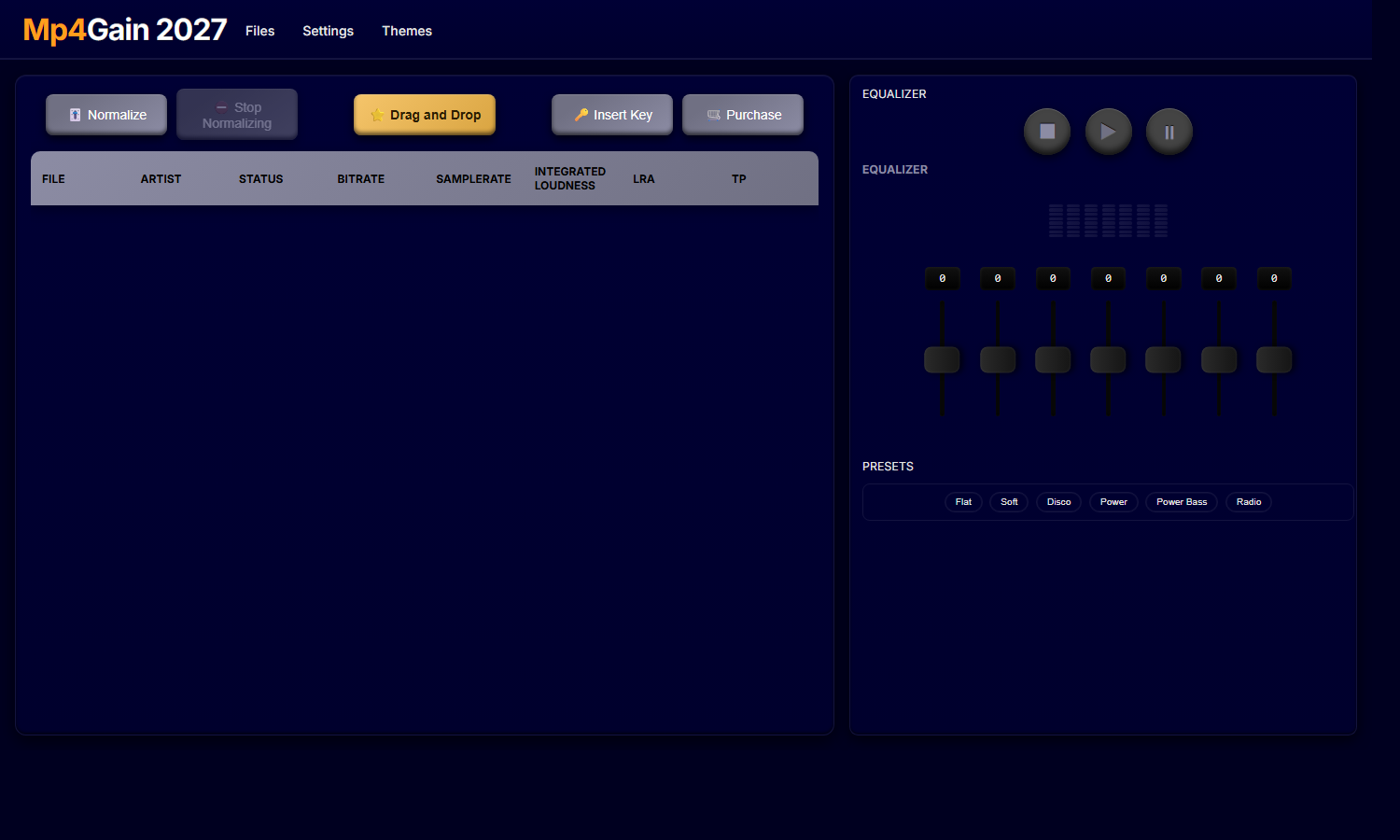
Mp4Gain 2027 fixes the loudness of your audio and video files and puts the subtitles on, with ten styles, without opening a second program and without uploading anything to a website.
What's new in 2027
| Feature | What it gives you | |
|---|---|---|
| Normalization settings | The three numbers that decide the result | Read more |
| Output format and folder | Convert while you normalize, or keep the format | Read more |
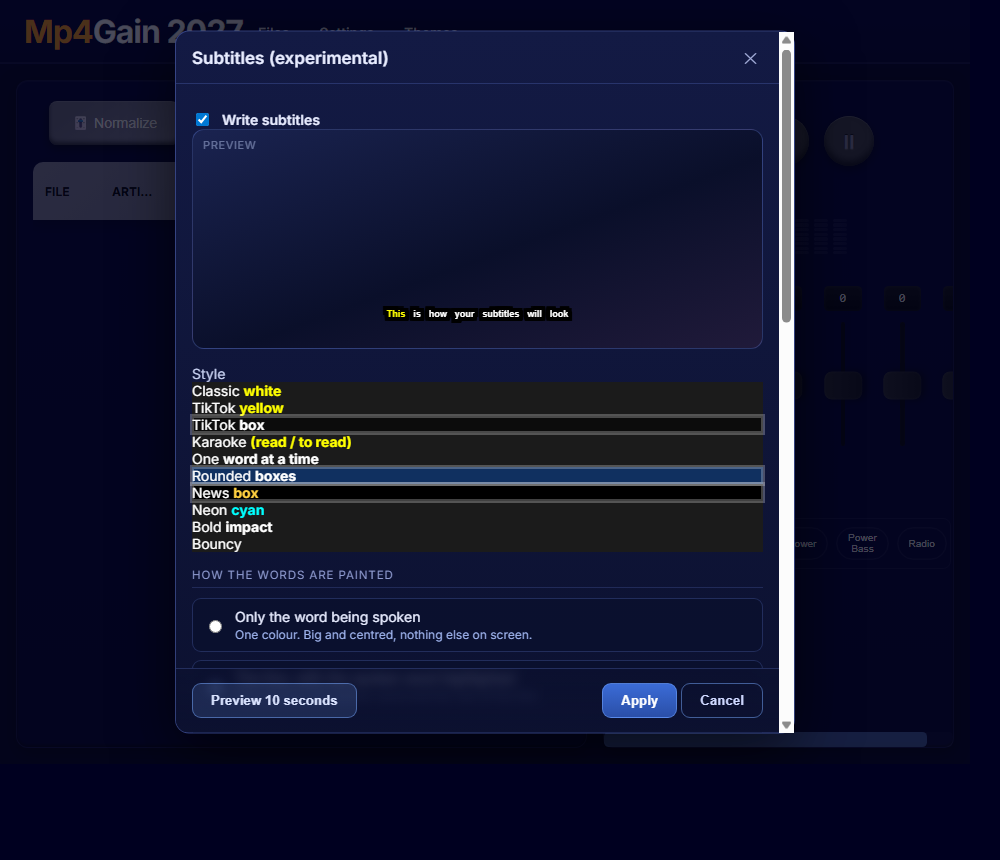
| Automatic subtitles | 10 styles, word by word, burned in or as a track | Read more |
| Remove silences | Cuts dead air from audio and video, in sync | Read more |
| Remove noise | Neural network for hiss, hum and room | Read more |
| Voice mode | One preset for podcasts and interviews | Read more |
| Speed | Faster or slower, same pitch | Read more |
| Seven-band equalizer | From 80 Hz to 8 kHz, with a meter that matches | Read more |
| Quality / Size | CRF and audio bitrate, off by default | Read more |
| Tag manager | Tags, your own fields and the cover | Read more |
The normalization it all started with
LUFS loudness, batch processing, true peak limiting and the original video stream kept when only the sound needs fixing. How normalization works.
A simple three-step workflow
1
Add files, individually or a whole folder. Drag and drop works.
Add files, individually or a whole folder. Drag and drop works.
2
Choose the settings: level, equalizer, silences, noise, subtitles.
Choose the settings: level, equalizer, silences, noise, subtitles.
3
Press Normalize. One file in, one finished file out.
Press Normalize. One file in, one finished file out.
Who it is for
- Short-video creators who need captions that look designed.
- Podcasters and interviews where the pauses and the hiss have to go.
- News and explainer channels with a lot of hours to process.
- Collections and archives.
Technical highlights
- Audio: MP3, MP2, AAC, AC3, FLAC, OGG, WAV, M4A.
- Video: MP4, MKV, AVI, MOV, MPEG, MPG, 3GP, WMV.
- True peak limiting, batch processing, no re-encoding of the video unless you ask for it.
- Respects the Windows text size setting, so the interface is not cut off.
Questions
Does the 2026 license work for 2027?
No. The 2027 has its own keys. Write to us and we will help you upgrade.
Does it upload my files anywhere?
No. Everything happens on your computer. The only thing the program sends is the license check.
Can I try it first?
Yes: ten normalizations before you have to buy.